Van Meerbeeck
- Service
- Customer portal development
Giving customers a single entry point to their commercial information.
The Van Meerbeeck portal connects a customer’s account to their company information. The Symfony application supports viewing quotes, orders, invoices, credit notes and delivery notes from the Navision management system.
Context
Commercial information already exists in the company’s management system. Customers need to find their documents and account information in a dedicated space, with access linked to their customer number.
The portal therefore needs to connect two areas: account access and the presentation of company data. The interface offers a journey in French, Dutch and English.
How we got there
Organising access to the portal
The entry journey distinguishes customers who already have access from those who would like to request it. A dedicated form gathers the references needed for the request.
Connecting information to the company
The controllers use the account’s customer identifier to query the Navision service. Company information and commercial documents appear in separate views.
Giving documents a shared structure
Lists reuse a table template with columns adapted to the document type. Dedicated routes allow PDF viewing alongside profile and password-change screens.
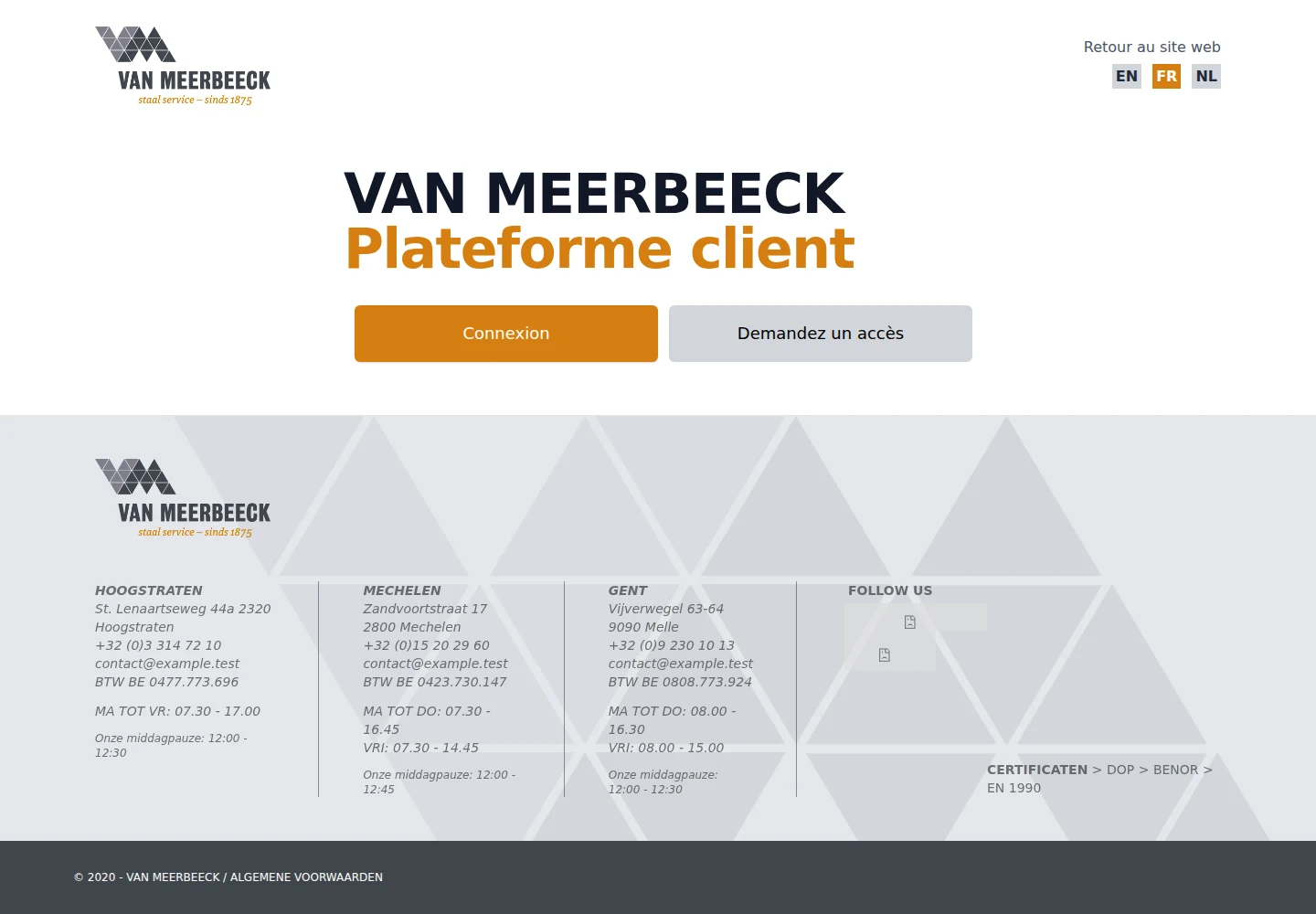
A clear entry point for customers
Signing in and requesting access are presented at the entrance.
Screenshot of the French version running locally. No real commercial data is displayed; visible email addresses have been replaced with demonstration addresses.
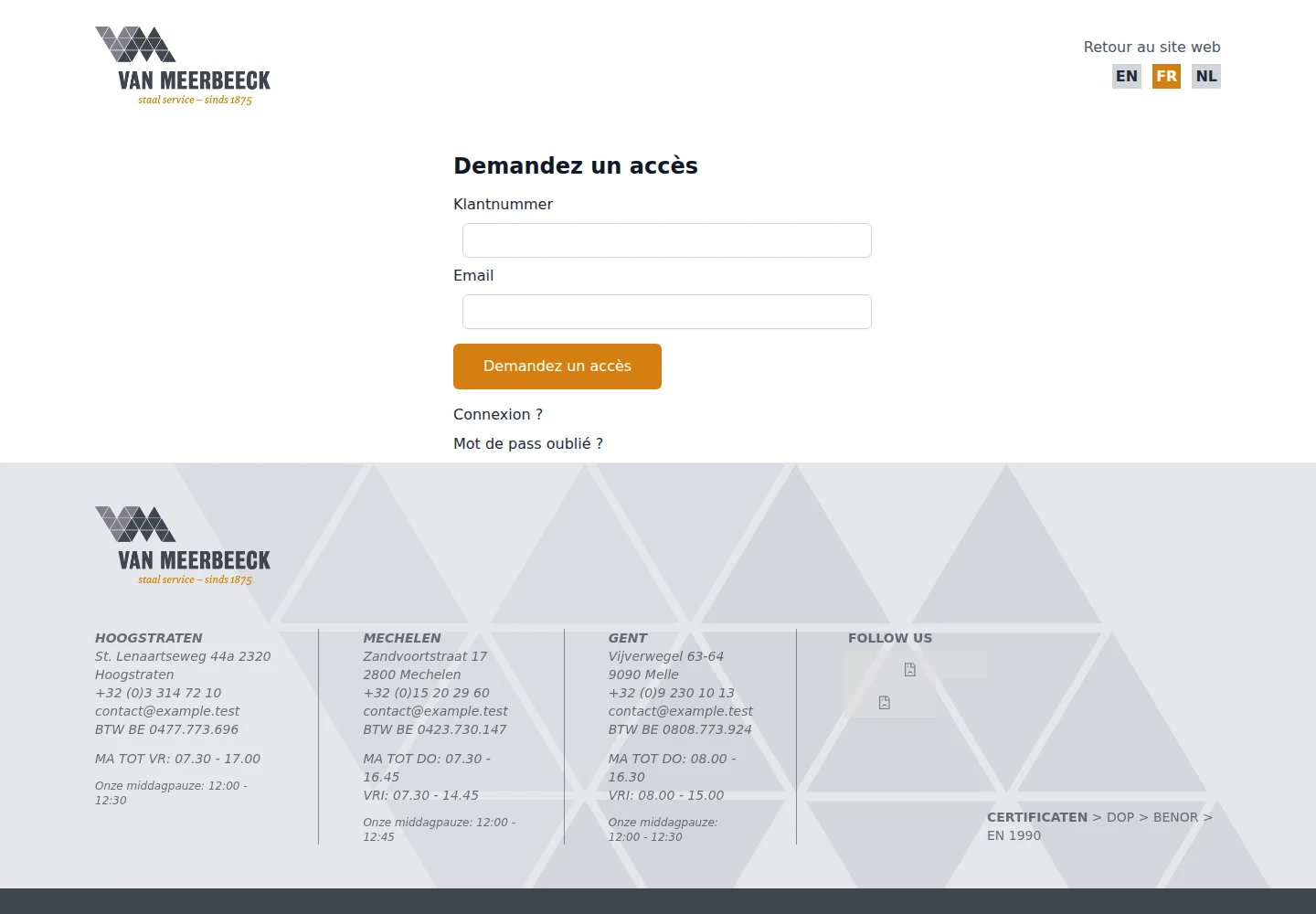
Connecting the request to the customer record
A dedicated form gathers the access references.
The form requests the information used to identify the company and customer. Local screenshot, without submitting the form or querying the Navision system.
Do your customers need to find their documents in a dedicated space? Let’s explore how to connect that portal to your management tools.
Customer portal development